Door categorieën bladeren
Ontdekken
Fiverr Pro
Nederlands
$
USD


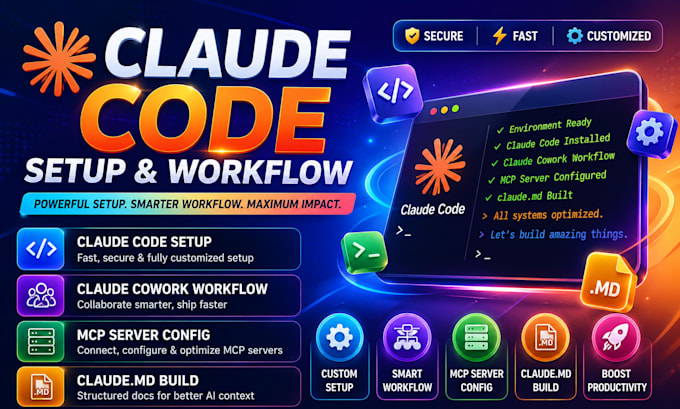
Struggling to install Claude Code or configure MCP servers? I'll set up and optimize your Claude Code CLI or Cowork workflow so you can start automating real work today.
I'm an AI automation specialist building custom Claude Code and business owners. Expert, guaranteed-to-work configuration with zero wasted tokens.
What you receive:
My process: audit your environment, build a custom configuration, test thoroughly, then deliver with clear documentation and reliable communication.
Message me before ordering so I can confirm your OS, tools, and goals for a smooth delivery.
AI Agent and Automation Specialist
Talen
I've never used a terminal before. Will you actually walk me through it, or just hand me a config file and leave?
I'll do the full install and setup myself via screen-share or remote session, so you never have to touch raw terminal commands unless you want to learn. You'll also get a recorded walkthrough you can replay anytime.
I'm worried about giving an AI agent access to run commands on my computer, what stops it from deleting or breaking something?
I configure permission flags and allowed-tools restrictions so the agent can't run destructive commands like force pushes or file deletions without your explicit approval. This is a standard part of every setup, not an add-on.
How do I know my API costs won't spiral out of control once this is running?
I set up model routing so cheaper models handle routine tasks and only complex reasoning uses the more expensive model, plus turn limits to cap runaway sessions. Most clients see predictable, lower token spend after setup, not higher.
Does this work on Windows, or only Mac?
I support both. Claude Code runs on Windows, macOS, and Linux, and I test your specific OS during setup so you don't hit PATH or permission issues after delivery.
I already have a messy CLAUDE.md file from trying this myself, can you fix it instead of starting over?
Yes, I'll audit what you have, keep anything useful, and restructure the rest so it stays under the recommended length while covering your real coding standards and architecture decisions.
What happens if the MCP server I need (like a private internal tool) isn't a standard one you've listed?
I build custom MCP servers for private APIs and internal databases as part of the Premium package, or as a paid add-on on Basic/Standard. Just message me the tool and I'll confirm feasibility before you order.
Will Claude actually remember my project rules between sessions, or do I have to re-explain everything each time?
Neither Claude Code nor Cowork keeps memory across sessions by default — that's a platform limitation, not something I can bypass. What I build instead is a durable CLAUDE.md and skills library so the agent reloads full context automatically every time, which gets you the same practical result.
Do I need to be technical at all to use Claude Cowork after you set it up?
No. Cowork is built for non-technical use through a visual desktop interface, and I configure your folder permissions and workflows so you just describe the task in plain language once it's delivered.