Door categorieën bladeren
Ontdekken
Fiverr Pro
Nederlands
$
USD




Hello Great Buyer!
Welcome! Are you using Gmail for business but struggling to keep track of customer conversations, sales leads and follow-ups?
When your inbox becomes your main sales workspace, important opportunities can easily get buried beneath everyday emails.
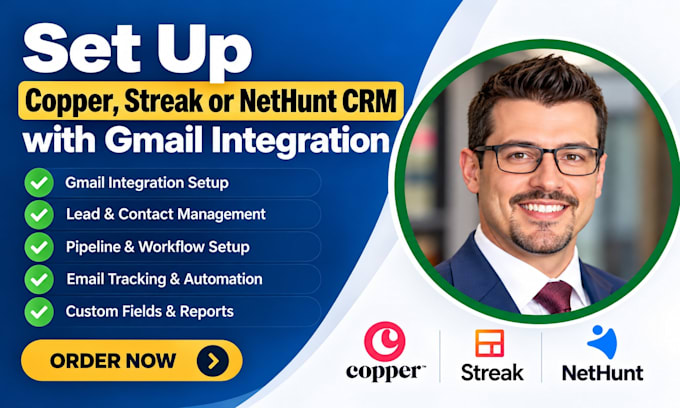
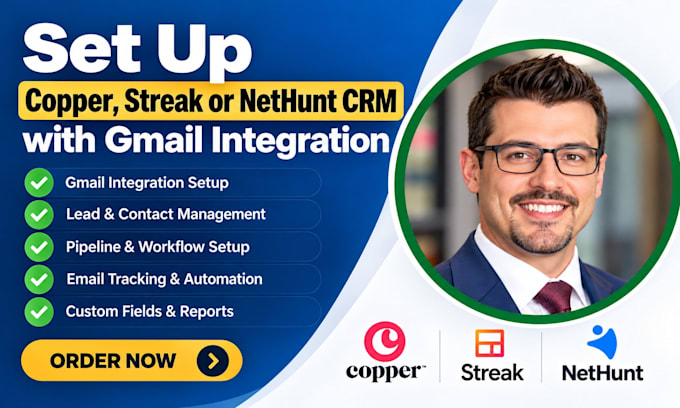
I can help you set up Copper, Streak or NetHunt CRM to organise customer relationships and improve your Gmail-based sales process.
WHAT I WILL DO:
I'll focus on creating a CRM setup that helps you manage sales opportunities, organise customer information and follow up more consistently.
READY TO ORGANISE YOUR GMAIL SALES WORKFLOW?
Send me a message explaining which CRM you use and what isn't working. Let's discuss how to improve your setup.
FIX KOMMO CRM
Talen
Can you connect my CRM to Gmail?
Yes. I can help configure the supported Gmail or Google Workspace connection for your selected CRM
Do you work with Google Workspace accounts?
Yes. I can help configure relevant CRM features where your Google Workspace account and permissions support them.
Can you configure Streak inside Gmail?
I can help configure Streak pipelines and relevant CRM settings.
Can you organise my existing contacts?
Yes. Contact imports and organisation can be included in the agreed project scope
Can you set up automated follow-ups?
I can configure supported workflow and follow-up features, depending on the selected CRM and plan.
Will you need my Gmail password?
No. Where possible, you should grant authorised access or use the CRM's secure connection process rather than sharing your password.