Door categorieën bladeren
Ontdekken
Fiverr Pro
Nederlands
$
USD
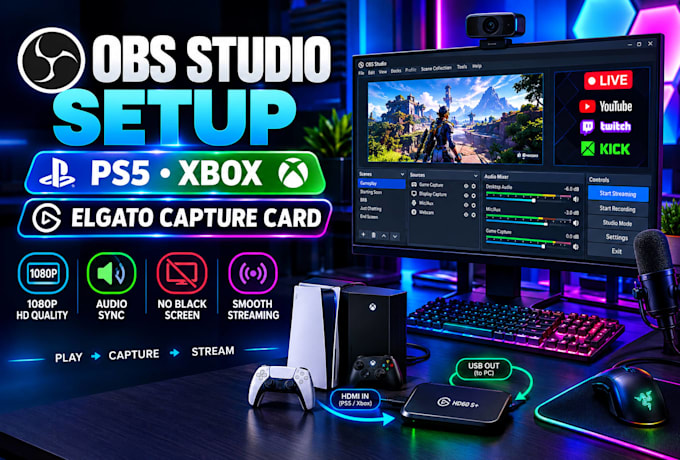
Are you dealing with a black screen, missing game audio, audio delay, or an Elgato capture card that isnt working properly in OBS Studio?
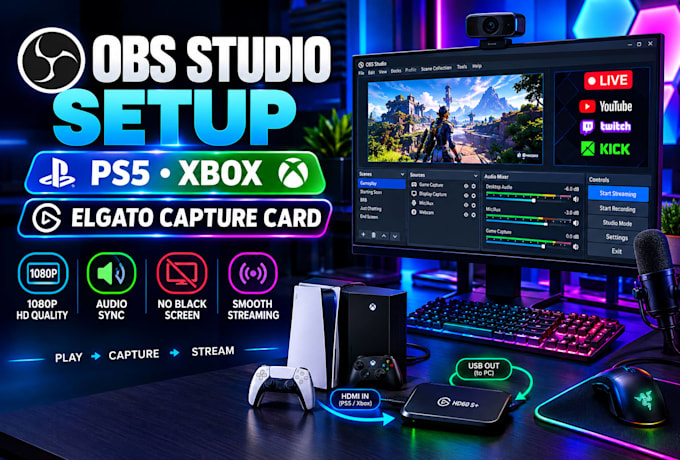
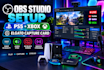
I'll professionally set up and optimize your Elgato capture card and OBS Studio for a smooth console streaming experience. I'll configure your PS5 or Xbox, optimize 1080p video quality, frame rates, audio, and sync, and make sure your gameplay is properly connected to OBS.
I can also help fix common issues such as no game audio, audio delays, video lag, black screens, dropped frames, and capture problems. Your setup will be tested and adjusted based on your hardware and streaming needs.
Whether you stream on Twitch, YouTube, or Kick, Ill help you get a clean, reliable, and professional console streaming setup.
Ready to get your console stream working properly? Click Contact Me and lets get started!
Apparaat:
Desktop
•
Laptop
•
Overige
Besturingssysteem:
Windows
•
Overige
Why is my Elgato showing a black screen in OBS?
This can happen because of HDCP settings, incorrect video settings, or USB connection issues. I’ll check your setup and configure your Elgato and OBS correctly so your PS5 or Xbox gameplay displays properly.
Why is my game audio delayed or out of sync?
A capture card can sometimes cause a small delay between your gameplay and audio. I’ll adjust your OBS audio settings so your game sound matches your gameplay as closely as possible.
Can you set up PS5 or Xbox party chat in OBS?
Yes. I can help set up your party chat so your viewers can hear your game, microphone, and friends clearly. I can also configure your Elgato Chat Link Pro if your setup requires it.
Do I need two PCs to stream my console?
No. You can stream your PS5 or Xbox using one PC or laptop with an Elgato capture card. I’ll configure OBS based on your computer and internet connection for smooth streaming.
How will you set up OBS on my computer?
If remote access is needed, we can use TeamViewer. You’ll be able to watch while I configure your Elgato, OBS, video, and audio settings.